6500 Kelvin is the color temperature almost every monitor ships calibrated to right out of the box — built for accurate color work, not for six straight hours of reading code. That number is a decent clue to why so many developers treat dark mode as the fix for digital eye strain and still hit the same screen fatigue by mid-afternoon. Dark mode only changes contrast. It doesn't touch color temperature, blink rate, or what's missing from your diet, and that gap is exactly where eye supplements start pulling real weight.
The Dark Mode Settings That Actually Matter
Flipping every editor, terminal, and browser tab into pure black feels like the obvious move, and it was the first thing I tried. It also made things worse. Stark white or neon syntax highlighting against true #000000 backgrounds creates a shimmering, haloed effect around each letter — bad news for anyone with even mild astigmatism, and uncomfortable even without it.
Swapping pure black for a charcoal tone solved more of that than I expected. Deep slate grays like #1e1e1e or #24292e keep the readability of dark mode without the glare that stark black-on-white or black-on-neon produces. Pair that with pulling text brightness down a notch, too — stark #ffffff on a dark background is its own small aggravation, and an off-white cream or silver reads just as clean. Color temperature matters just as much as the palette: the 6500K default most panels ship with is tuned for photo editing, not marathon reading sessions, so dropping it a few hundred degrees warmer during long stretches at the keyboard is worth the one-time trip into your monitor's settings menu.
Why Pure Black Backgrounds Work Against You
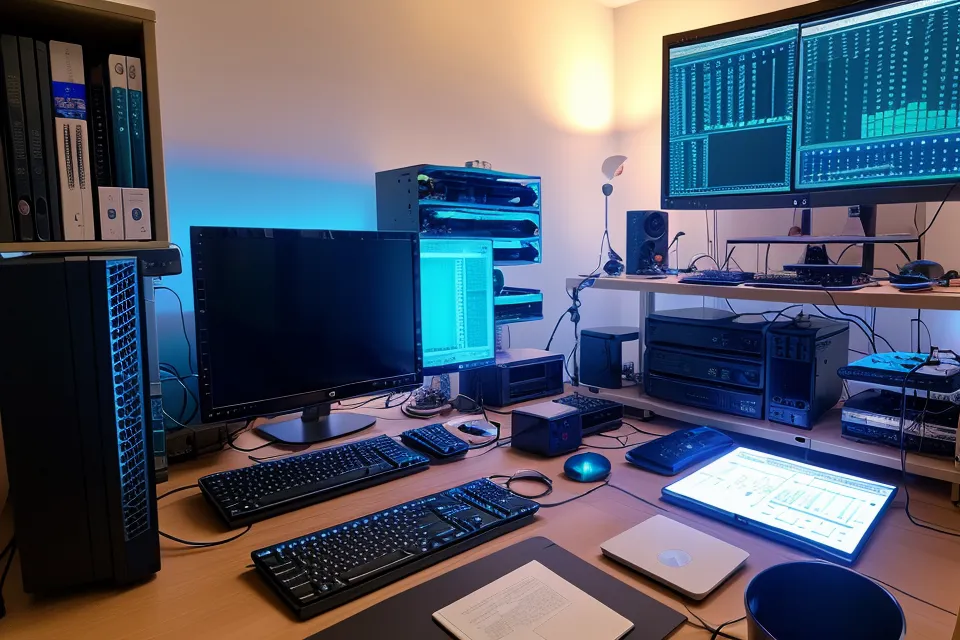
Getting the screen right is only half of the equation. Ambient light matters just as much as what's on the panel — a bright screen in an otherwise dark room creates its own contrast problem, regardless of which theme you're running. Matching your wall and desk brightness to your screen with a basic bias light behind the monitor closes a lot of that gap, and it's the kind of baseline step that has to happen before any color or supplement adjustment is worth bothering with.
I went deeper on the ambient and brightness side of this separately in Why My Screen Brightness for Eye Strain Needs More Than Just Software, since that alone is a bigger topic than fits in a settings checklist. Blue light filtering gets lumped in with dark mode constantly, but they're not solving the same problem — one shifts the color temperature of what you're looking at, the other just drops overall brightness and contrast, and treating the two as interchangeable is how people end up disappointed with both.
Where Do Eye Supplements Actually Fit?
Software settings only ever address the light hitting your eyes from the outside. Nothing about a hex code changes what your eyes have to work with internally, which is the piece dark mode can't touch no matter how carefully you tune it. The contrast switch handled some of the ache on its own — the rest only eased once a supplement layer was running alongside it, not before.
A programmer is not a substitute for an optometrist, and nothing here is a treatment plan. I'm not a medical professional of any kind — my background is CSS grids and client invoices, not corneas. If you've got sharp pain, sudden vision changes, or headaches that don't track with screen use, that's a conversation for an eye doctor, not a blog post. My own optometrist is the one who confirmed what I was dealing with was ordinary digital eye strain before I started tracking any of this.
Griffin, a backend developer and a friend from way back, is usually the one who points out when I'm reading a three-day trend into what's actually just noise in my own fatigue log. That skepticism is healthy — I don't fully trust the before-and-after numbers eye supplement brands publish, and I don't fully trust my own either. A fatigue score I write down myself every afternoon is not a clinical trial, and treating it like one would be a mistake in the other direction.
What My Supplement Testing Actually Showed
Before any of the display work, I tried Nature Made's Eye Health gummies every morning for two months, mostly because they were easy to find and simple to start. My fatigue tracking never budged. Whatever was in them, the amount was too small to matter for someone putting in long days at a screen, which turns out to be a common issue with general eye-health labels — they list a familiar ingredient without listing a dose that does anything for heavy screen use.
What eventually worked was switching to a formulation that actually listed a lutein and zeaxanthin amount worth taking, rather than the token amount buried in a general multivitamin. I won't rehash the specific ratio debate here since Comparing Lutein and Zeaxanthin Supplements for Triple Monitor Users already covers it in more depth than fits in a settings guide. None of this replaces actually eating something with lutein in it, either — a supplement is a patch for a baseline that's already low, not a substitute for the baseline itself.
I don't stay on one formulation indefinitely either — rotating in a different lutein and zeaxanthin source every so often makes it easier to tell which part of the stack is actually doing the work, rather than crediting whatever you happen to be taking this particular month. Joaquin, a designer I know from a co-working space who logs similarly long hours on color-critical work, started having nearly the same mid-afternoon crash I did, and now texts me his own fatigue rating most weeks without being asked, which has been a useful check that the 3pm dip isn't just a me problem.
Running Both Systems Together
Gritty, tired eyes and genuinely dry eyes are easy to lump together, but strain that fades the moment you look away from the screen is a different complaint than dryness that doesn't care where you're looking — worth separating before you reach for a fix. Scheduled breaks still matter on top of that, and a timer on its own was never enough for me. Leaning on drops constantly just to get through an afternoon is usually a sign that something upstream still needs fixing, not a problem drops alone were going to solve.
The checkpoint I actually use is simpler than any of that: if the 3pm standup wraps and my hand hasn't automatically drifted toward the eye drops, the current setup is working. If it hasn't wrapped before I'm already reaching for them, something in the stack — display, supplement, or ambient light — needs adjusting before the next afternoon rolls around.
Put together, the system is less a single fix and more four settings running in parallel. Match your theme's polarity to the room — warm, soft palettes during bright daylight hours, saving true dark charcoal (never pure black) for evening sessions or a properly controlled room. Keep carotenoid intake consistent and paired with a meal that has some fat in it, since consistency over months matters more than doubling up on a rough day. Raise ambient wall brightness with simple bias lighting so your eyes aren't jumping between a bright panel and a dark room. And build in real visual breaks, not just a reminder to blink — I covered the rest of that after-hours routine separately in How to Relax Your Eyes After Hours of Staring at Screens.
None of this is a miracle cure, and anyone selling one is skipping steps. The actual takeaway is boring: treat screen comfort as a system with at least two independent layers — what's on the panel and what's in your bloodstream — and fix them separately instead of expecting one to cover for the other. Staring at glass for a living is a strange way to make rent, and optimizing my own eyeballs the way I'd optimize a slow query is a slightly absurd use of a weekend, but it's the only method that's actually moved the needle.