
Griffin's mid-sentence about his splits from this morning's run on the Town Lake trail, tapering for the Austin half marathon, when he stops, nods at my triple-monitor setup, and asks why I haven't just bought whatever gadget fixed his eyes instead of grinding through another round of supplement testing. We're crammed into a corner booth at Domain Northside, and it's a fair question. It also points straight at the myth I keep running into as a web developer glued to three screens all day: that digital eye strain has one fix — buy the right glasses, download the right app, tune your monitor ergonomics once — and you're done.
I'm not an optometrist, and nothing here replaces an actual eye exam. Mine confirmed garden-variety digital eye strain, not something scarier, before I let myself get precious about brightness settings and pill bottles. What I can tell you, after testing seven different supplements and rebuilding most of my desk setup, is that the "one weird trick" framing is exactly backwards. No single purchase fixed my eyes. What worked was treating it like a system with more than one bottleneck, the way I'd approach a slow application, and that's the part nobody selling blue light glasses wants to admit.
Monitor Ergonomics Beats Blue Light Glasses Alone
The glasses were the first purchase and the least useful one. Once the amber tint and the "night mode" toggle both failed to touch the late-afternoon burn, I started treating my desk the way I'd treat a slow endpoint: profile first, guess second. Two of my three monitors turned out to be older 60Hz panels flanking a newer 144Hz screen, which meant my eyes were adjusting to two different refresh behaviors every time I glanced across the desk.
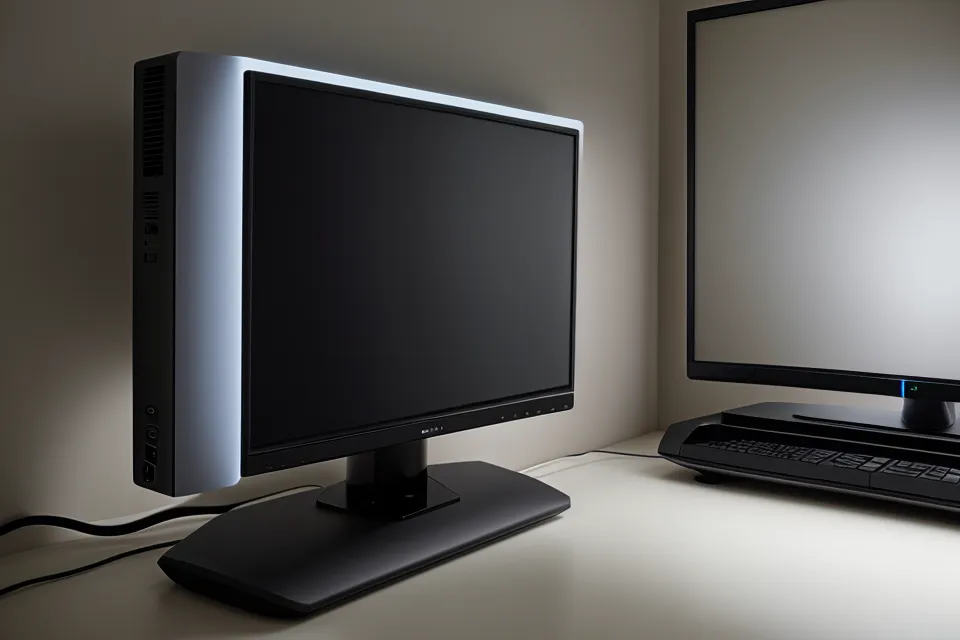
Higher refresh rates cut down on perceived flicker even when you can't consciously name what changed, and that's before factoring in Pulse-width modulation — the dimming method a lot of monitors rely on, where the backlight flickers faster than the eye registers to fake a lower brightness setting. Some panels handle that better than others, and for eyes that are already tired, the invisible flicker adds friction the same way a stuttering scroll does — you can't point at it, but you feel the drag. I swapped both side panels for PWM-free monitors and matched the refresh rate across all three. That's a separate question from dry eyes versus general fatigue, which I dug into on its own in fixing screen-induced dry eyes through developer tracking — but for straight end-of-day strain, the hardware swap outperformed every supplement I hadn't even started testing yet. (The full monitor-ergonomics baseline, the exact swap list, is its own write-up; this one stays on the myth.)
Why Dimming Your Screen Can Backfire
Here's the part that runs against nearly every beginner tip out there: turning your brightness down in a dark room can make eye strain worse, not better. Dim the screen while the room around it stays dark, and your pupils widen to pull in more available light. A wider pupil narrows your depth of field, so the plane where text actually stays sharp gets thinner, and your eye muscles work harder to hold characters in focus. It's a bug hiding in plain sight in most home office setups — the well-meaning "lower the brightness, save your eyes" advice does the opposite once the room is dark enough.
My standing desk wraps in a U across two walls, three 27-inch monitors set in a shallow arc so I'm never twisting my neck to catch the side screens. What actually changed things wasn't dimming anything — it was matching the light around the monitors to the light coming off them. I clipped a warm-amber strip behind the center screen, tuned to about 2700 kelvin, as warm as it goes, so the wall behind the monitor glows instead of sitting black. Blackout shades over the east-facing window get pulled about halfway by early afternoon, less to darken the room than to keep a hard, cold rectangle of daylight from fighting three screens' worth of warmer light. That kind of ambient balancing is a bigger lever than any lutein-and-zeaxanthin ratio I could hit with a pill, and it's the two-pronged approach — light plus supplements — I mapped out separately in bias lighting and supplements.
The 'Eye Support' Label Problem
The myth that trips up smart people constantly: any bottle with "eye support" printed on the front does roughly the same job. It doesn't. The first thing I tried, months before I started tracking anything seriously, was a generic CVS multivitamin with an eye-support claim slapped on the label — the kind of product built to sit next to the real thing on a shelf and borrow its credibility. It did nothing measurable. No shift in how my eyes felt by the afternoon, no change I could point to, just a bottle I finished out of stubbornness before giving up on it.
Joaquin, a designer I know from a co-working space nearby who logs even more screen hours than I do on color-critical work, hits the same 3pm wall I used to. He buys whatever I mention the moment I mention it, before I've said whether it actually worked for me — which is its own version of the label myth, just outsourced to a friend instead of marketing copy. Reading what's actually in a supplement, at the ingredient level, matters more than what the front of the bottle promises; I keep a running reference on eye-care supplement ingredients for exactly that reason, so I'm not relying on label copy to tell me what's inside. Testing one product at a time, logging what changed and what didn't, is slower than trusting a label — but it's the only way I've found to tell a real effect from a coincidence.
How I Judge Whether a Supplement Is Actually Working
The myth here is expecting a switch-flip — take the pill, feel different right away. That's not how any of the seven supplements I tested behaved, and expecting it is what makes people quit a product that might actually be doing something, or stick with one that isn't. What I watch instead is a baseline I already know by feel: the 3pm standup used to be the reliable marker of the day going sideways, eyes gritty enough that reaching for drops was automatic, no different than closing a laptop lid. These days that meeting wraps and my hand isn't moving toward the drawer where the drops live — not because of one ingredient I can point to, but because the pattern that used to be reliable just isn't showing up the way it did.

Some of what I was chasing lines up with how lutein and zeaxanthin are known to concentrate in the macula of the retina — I won't rehash the ratio math or the research behind that here, I've laid it out elsewhere. The 20-20-20 habit is a real lever too, though a narrower one than most people treat it as, and I'd rather point you toward a dedicated breakdown than half-explain it in the middle of this one. I stay skeptical of eye-supplement marketing copy by default, though not of the underlying research — and the tracking spreadsheet behind all of this testing is its own topic. On the cheaper-versus-premium question, I've got a separate write-up on what actually held up: TheyaVue review where I explain why it became my daily driver.
The Stack Beats the Single Fix
None of this is a single fix, and if a headline promises you one, that's the tell. Hardware, ambient light, and a supplement routine that survived actual testing all pull weight — remove any one of them and the 3pm crash creeps back in. My own irony isn't lost on me: I've spent a genuinely embarrassing amount of energy protecting eyes I keep pointing at three monitors for a living, which is a little like debugging a fire I keep setting myself. The rule I'd actually hand someone is simpler than a headline: audit your hardware before you touch a single pill, fix the light in the room before you touch your monitor's brightness slider, and don't trust an ingredient list you haven't read yourself. Test one variable at a time, the way you would in any system you're trying to actually understand, and give the label myths a wide berth. Griffin's still going to buy the next gadget before I've finished reading the ingredient panel on my last supplement, and Joaquin's still going to buy whatever I mention before I've reported back — but the eyes are mine, and testing one thing at a time is still what closes the gap between a marketing claim and an actual result.