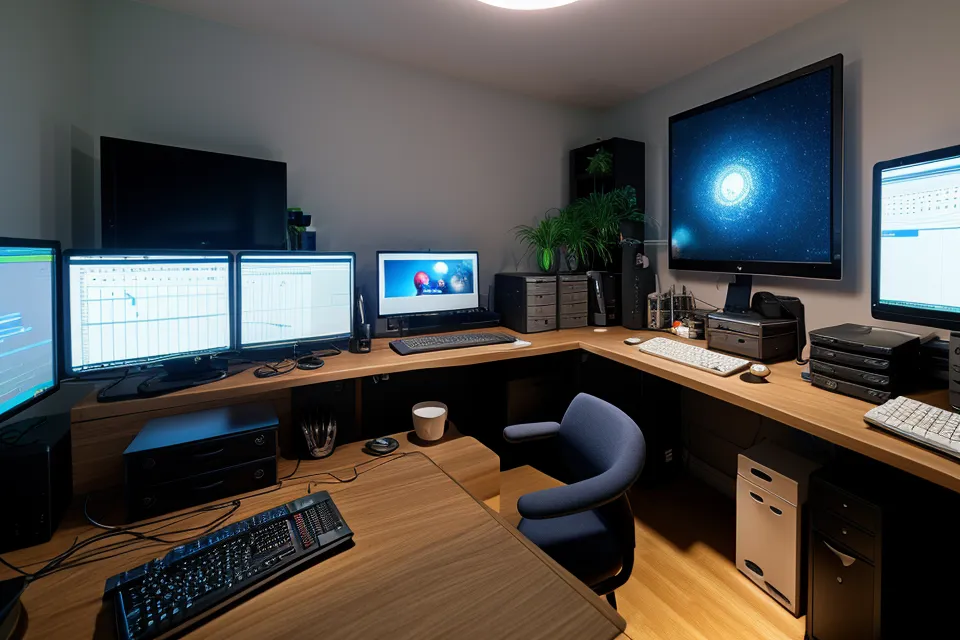
My third monitor is a smear of gray by the time I notice it. The cursor blinking in a diff I've already re-read twice without registering a line of it. That's the tell for an eye strain day: not pain exactly, just visual static that makes code stop parsing as code. Two fixes dominate the digital-wellness advice on this: bias lighting behind the monitors, and a rotating cast of eye supplements. After running both long enough to trust the pattern from actual testing, I don't think they're solving the same problem. Treating them as interchangeable ergonomics upgrades, grabbing whichever one is cheaper this month, is how people end up convinced neither one works.
Two Different Bugs, One Symptom
Before I trusted either fix, I'd already burned a stretch of time on the free one: cranking f.lux to its warmest amber setting and leaving it there from morning to night. It didn't touch the afternoon wall. If anything, the color shift made design reviews harder, because I couldn't tell if a shade of gray was actually a shade of gray or just the filter lying to me. That failure is what pushed me toward treating "eye strain" as a symptom with more than one root cause, instead of a single bug with a single patch.
Blue light glasses were the other standard-issue fix, and they landed for me the way they seem to land for most people who try them first: a placebo with a nice frame. Neither of those misses means the underlying product category is fake. It means a general-purpose fix was aimed at a problem that, in my case, had two separate causes running at once: one environmental, one nutritional. No single tool was going to close both tickets.
What the Supplement Stack Actually Changes
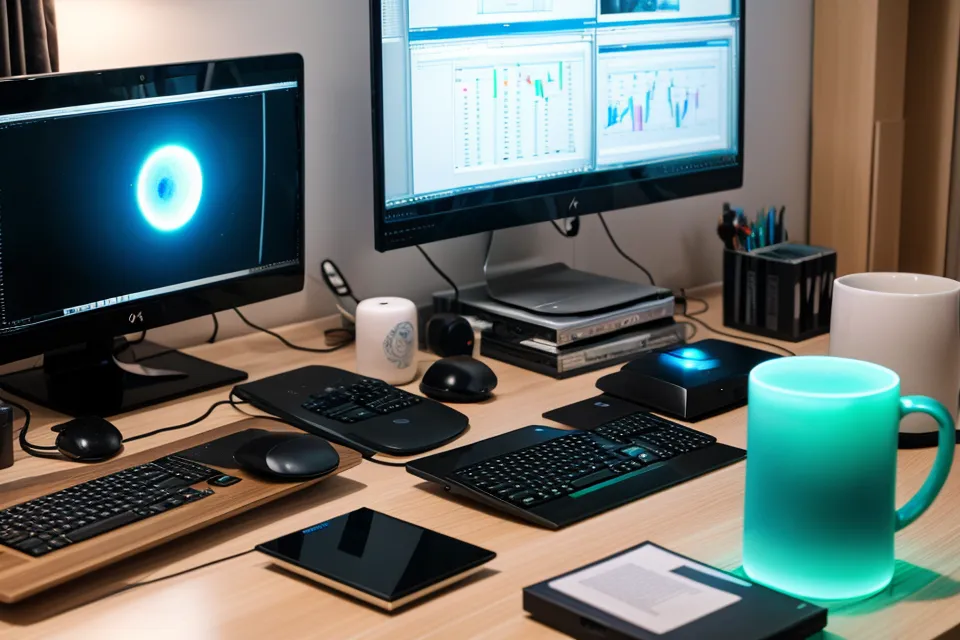
Seven supplements is the running count on my side of this, tested one at a time rather than stacked, because stacking makes it impossible to tell which change actually moved the fatigue score. The one with the clearest effect involved Lutein alongside zeaxanthin. I won't get into the exact ratios here, since that's its own rabbit hole and another article on this site has already mapped it in detail. What I noticed instead, in plain terms: the "visual noise" that used to build up over a long debugging session got a little quieter. Not gone. Quieter. The full ingredient breakdown for all seven bottles lives in a separate reference now, because this piece is about comparing outcomes, not cataloging compounds.
Timing mattered more than I expected going in. Taking the stack with a fatty meal, usually lunch, made the afternoon dose actually count for something; skip that and the same pills seemed to do noticeably less. That's an absorption detail, not a mechanism I'm qualified to explain, so I'll leave it there. Worth separating out what supplements are and aren't targeting, too: they never touched the gritty, sandy feeling some days brought, which is a different problem from general eye fatigue and needed its own fix entirely. Cost sat in the low-three-figures across the full stretch of testing, real money for someone who also pays for cloud hosting out of pocket, but weighed against three lost afternoon hours a day, it wasn't a hard call.
What Bias Lighting Actually Changes
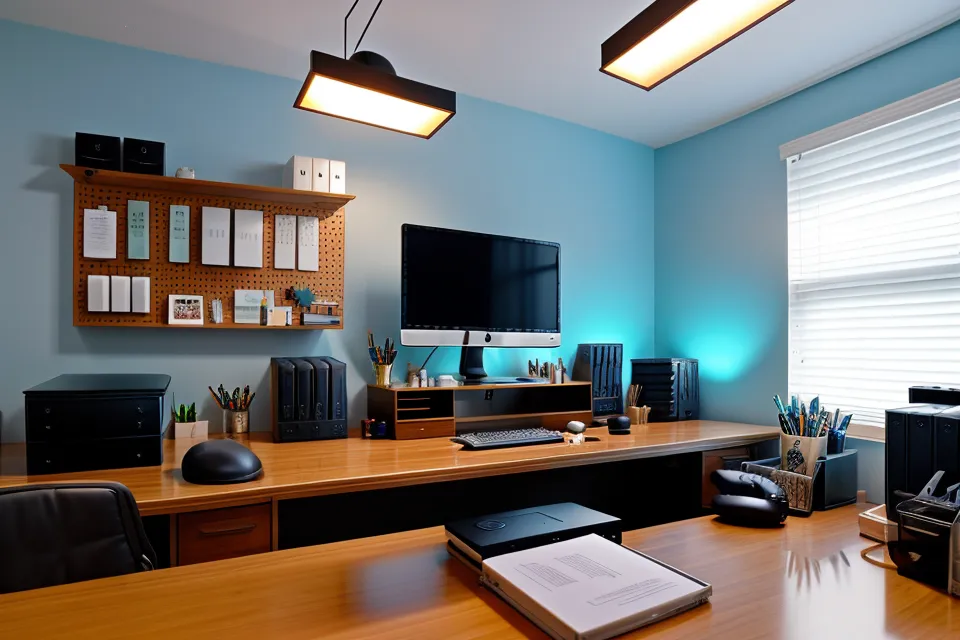
This isn't a full workspace-ergonomics audit. Desk height and monitor distance are their own topic. It's isolating one environmental variable, the ambient light behind the screen, and testing it head-to-head against the supplement stack.
The idea actually clicked on an ordinary walk, not in front of a screen. I get out to the Barton Creek Greenbelt trailhead most weekends, and the contrast between that flat, even daylight and my office's black-hole setup, three bright panels surrounded by a dim room, was obvious enough that it embarrassed me a little. Pupils doing a hard reboot every time I glanced from code to wall and back is a lighting problem, not a nutrition problem, and no amount of lutein was going to fix it.
Getting it right meant a specific spec, not just any strip stuck behind the monitor: the D65 standard of 6500K, plus a Color Rendering Index of at least 90, otherwise the light itself distorts what you're looking at instead of neutralizing it. Once that was calibrated, the glare drop-off from screen to wall softened almost immediately. That part really was fast, unlike the supplement side. But bias lighting alone has a failure mode of its own: run it in an otherwise pitch-black room and you've just built a smaller, brighter black hole, with your peripheral vision straining against the dark edges instead of the whole room. It needs a low ambient source somewhere else in the room to actually even out the contrast map, not just relocate it.
The Overlap Is Smaller Than It Looks
A Friday standup is where the combined effect showed up clearest for me, reading text off a whiteboard across the room, start to finish, without the usual point where my focus slid and I had to re-track the line. That's a glare-and-refocus win, which is bias lighting's territory, not a nutrition win. Supplements never gave me that specific moment; what they gave me was a slower afternoon fatigue curve, which is a different graph entirely.
By the time the sky outside actually goes dark, the ceiling above my desk is already lit blue-white from the monitors, a decent proxy most nights for how much later than planned a session has run.
Luciana Ferber, a product manager I still trade notes with from a project we worked on together a few years back, has pointed out more than once that turning your own eye fatigue into a spreadsheet can tip from curiosity into something closer to anxiety. She's not wrong, and I keep the spreadsheet anyway, mostly because it's the only way I've found to tell these two fixes apart instead of crediting whichever one I happened to change most recently. The rest of the routine, 20-20-20 breaks, actual sleep, and less scrolling before bed, sits underneath both of these and matters too, but it's a baseline, not a variable either fix is competing against.
Which Fix Should You Try First?
Start with lighting if the strain tracks with the room: worse in a dim office, noticeably better outside or under good overhead light, headache sitting behind the eyes rather than on the surface. It's the cheaper experiment, and you'll usually know within a session or two whether it's doing anything. Start with the internal side if the feeling is more gritty or sandy than glare-tired, especially if it persists even when the room lighting is already decent. That pattern points somewhere lighting can't reach, and it's worth a conversation with an optometrist before adding anything to your routine, not after.
That's roughly the answer I give friends who are skeptical of eye supplements as a category, including how I explain eye supplements to skeptical friends when they ask where to start: fix the free, structural thing first, and treat the supplement stack as a second, separate experiment rather than a package deal. Dex Harrington, an old friend from college who went fully remote a couple of years back, is the one person I know who did this in the right order: he talked to his own eye doctor before he ever opened a supplement bottle, which more people testing this stuff should probably do. Two different fixes, two different bugs, and pretending they're the same ticket is the fastest way to conclude that neither one works.