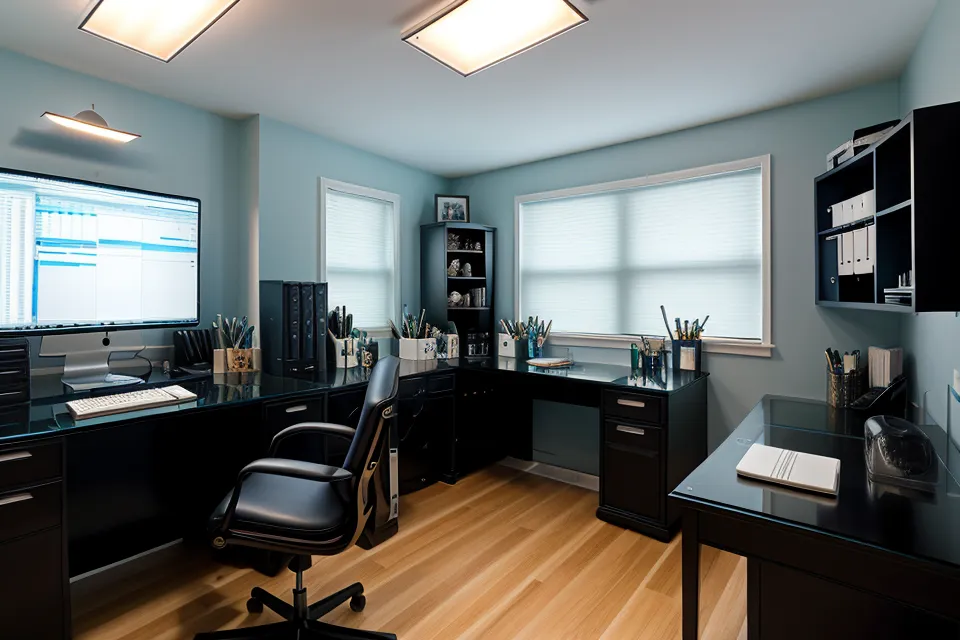
Glare off three 27-inch panels curving gently across my desk turns syntax highlighting into a sheet of white noise. That's the whole irony of this triple-monitor setup: years spent tuning every part of a remote dev environment, and the actual bottleneck turned out to be my own eyes. An optometrist eventually put a name on it — digital eye strain — which sounded almost too clean for how the afternoons actually felt.
By the time the slump set in, I had a headache so predictable I could set a timer by it — a sharp throb behind my left eye that gave me maybe twenty minutes of usable focus before I had to shut the laptop. I'd built an ergonomics setup for every other part of this software engineering job — keyboard angle, chair height, monitor arm reach — and somehow never accounted for the one organ actually doing the work. The fix, it turned out, had almost nothing to do with the monitors themselves and everything to do with the room around them.
The Hardware Side of a Triple-Monitor Setup
My first move was to treat this like a hardware bug — check the physical setup before touching anything internal. The east-facing window behind my desk throws direct sun across the room some mornings, and even with the shades already lowered partway by midday, the reflection off my left-most screen was enough to wash out log output into an unreadable smear. Walking down to grab coffee along South Congress Avenue became my unofficial reset button — a few minutes away from the arc of screens, then back to squinting at commit history.
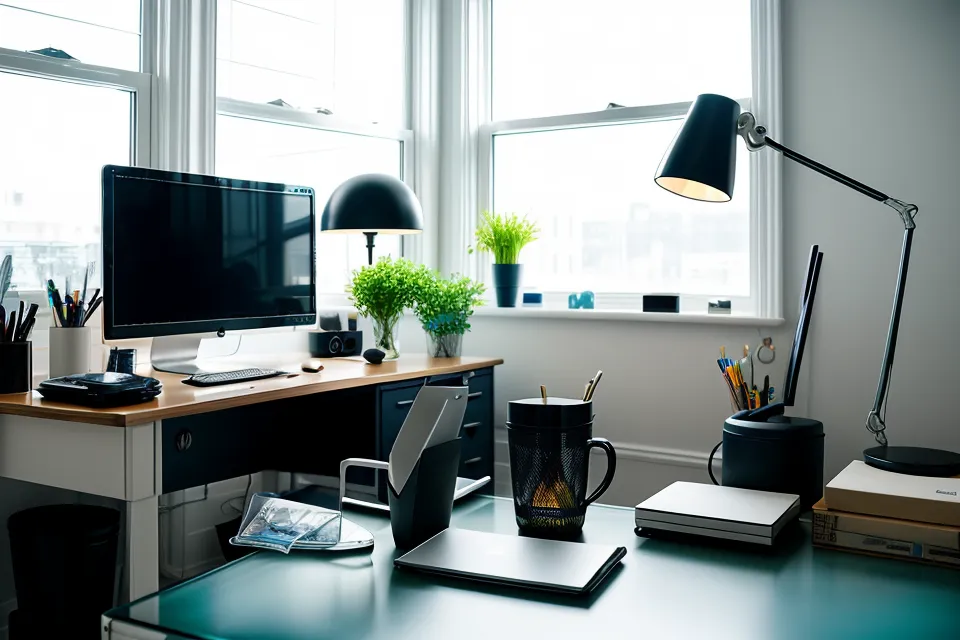
Matte screen finishers were the obvious next step. They scatter light instead of bouncing it straight back at you like a mirror, which kills most of that glare — the trade-off is a slight softening of image sharpness, and for me that was a fair exchange for not feeling like my retinas were being sandblasted every morning. Somewhere in this phase I also started forcing myself through the 20-20-20 rule, though anyone deep in a gnarly refactor knows how easy that is to skip entirely.
Dropping monitor brightness to the minimum, the standard advice everywhere, actually made things worse. The problem wasn't the screen brightness on its own; it was the contrast between a bright panel and a dim room, which keeps forcing your pupils to readjust back and forth. Bringing the ambient light in the room up to meet the screens did more for the throbbing than dimming ever did.
Testing Supplements Alongside the Hardware
Six months into tweaking screens, shades, and lighting, my eyes were still exhausted by early afternoon. Hardware fixes had done what they could. So I turned toward the internal side of the problem, not because I know anything about optics or biology (I don't, and I'm not pretending otherwise), but because the external variables were basically maxed out.
An eye doctor mentioned, in passing, that certain carotenoids are supposed to build up some kind of internal buffer against the kind of light monitors put out. I won't pretend to understand the biology past that sentence, but it matched what I was already noticing. So I started tracking eye fatigue impressions next to supplement intake in a spreadsheet, the same way I'd log API response times after a bad deploy. A developer friend named Soren, who I only know from a private Slack for independent contractors, sent me a PubMed abstract about it at two in the morning with zero context, which is very on-brand for him.
That spreadsheet turned into a bigger project than I expected: seven different eye supplements, tracked over fourteen months, each with its own column for cost, timing, and whatever fatigue score I gave that week. I was looking for products built around the two carotenoids everyone in this corner of the internet talks about, without getting hung up on chasing an exact ratio. If you want the full breakdown, I wrote up the whole 14-month eye supplement review with the specifics on which ones actually moved the needle.
Ambient Light Turned Out to Matter More
The actual shift came when I stopped trying to block the light and started balancing it instead. I mounted a warm LED strip behind the center monitor, something close to the color of an old incandescent bulb, so the wall behind the screens wasn't just dark space swallowing all the contrast. That single change did more for the afternoon fatigue than any screen coating had.
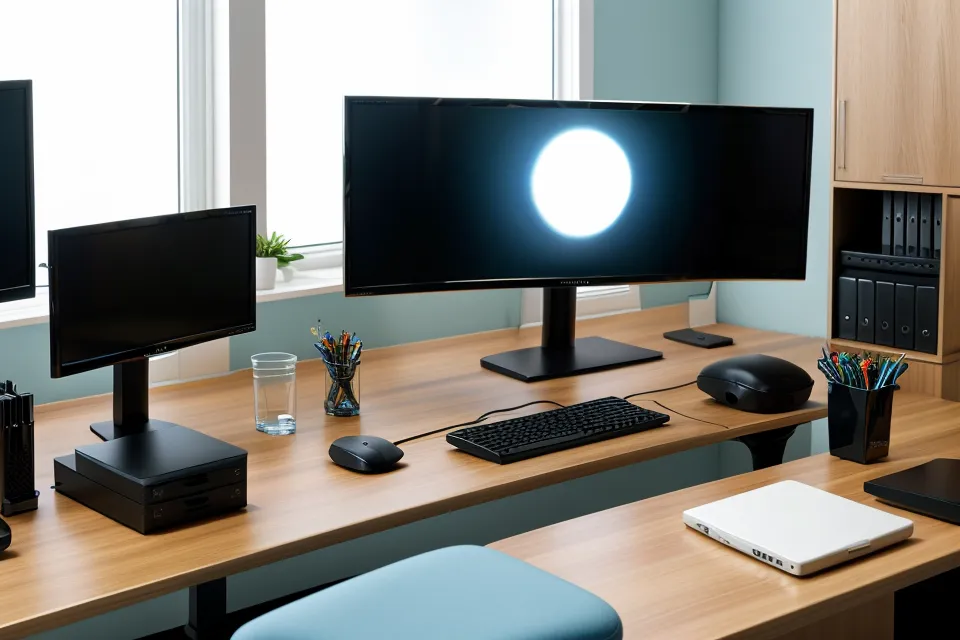
Think of it like context switching. If the room is dark and the screen is bright, your eyes are constantly forced to re-adjust dilation every time you glance away, and that overhead adds up over a full day. Around week twelve of running the lighting and supplement routine together, the standup ended one afternoon and I hadn't reached for eye drops once, a reflex that had been automatic for months, gone without me deciding to change it. Some nights the whole room still glows that flat blue-white off the panels long after the sky outside has gone properly dark, and it's a strange kind of light to work by.
Consistency mattered more than any single change. A single day of better lighting isn't going to undo years of squinting any more than one clean commit fixes a legacy codebase. It took weeks of keeping the routine before the cumulative fatigue actually eased off. I kept an eye care routine for remote work going for most of that stretch, logging monthly costs that stayed in the low three figures the whole time.
What Actually Held Up After Fourteen Months?
Fourteen months of logs point to one conclusion: there wasn't a single fix. It was matte surfaces, brighter ambient light, and consistent supplement habits stacked on top of each other, plus a fair number of duds along the way. One expensive dead end was a pair of prescription blue-light computer glasses from an eye doctor's office, genuinely not cheap, and they made almost no difference on their own once the room lighting was still working against me. Some of the supplements barely registered against my own fatigue scores; others clearly helped, which I got into in my Honest VisiFlora Review after one particularly long testing stretch.
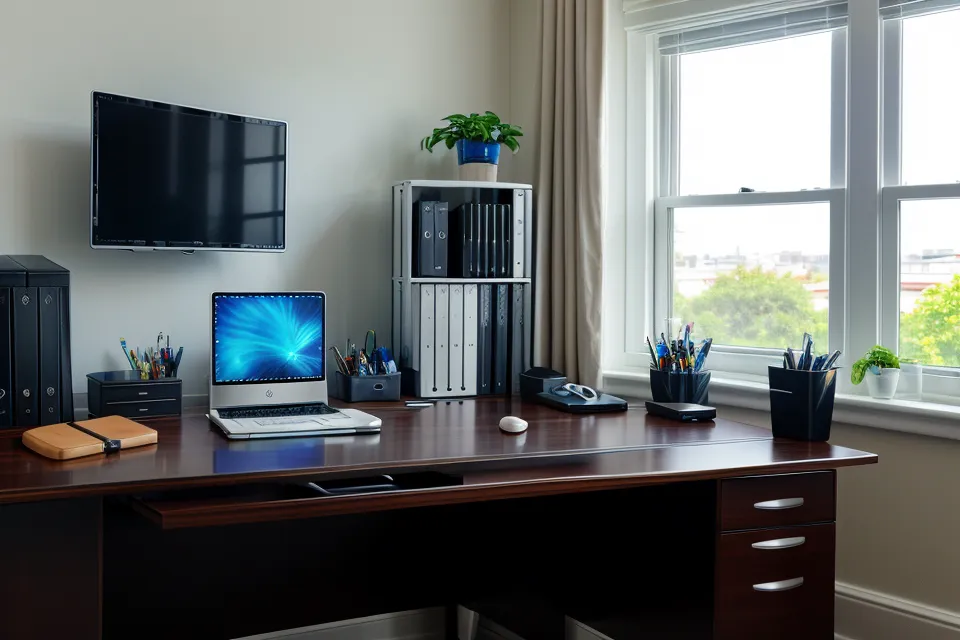
If triple-monitor glare is grinding you down, start with the environment before anything else. Bring the room light up instead of dimming your screens into submission, and check whether a window behind you is throwing reflections across your panels. Talk to your own eye doctor about what's actually going on before assuming a pair of tinted glasses will fix it on their own. Mine didn't, at least not by itself.
We ruin our eyes for a living in this industry, and the 3pm headache doesn't have to be a fixed cost of the job. The one thing I'd tell anyone starting this same debugging process: match your room's light to your screens before you spend a dollar on anything else. It's free, it takes an afternoon, and it did more for me than every supplement bottle combined. Every setup is different, and what worked in my corner of East Austin will need its own tuning on your desk, but that starting point holds regardless.