Fourteen months of eye supplements did less for my 3 PM headaches than a single $142 weekend spent rearranging my desk. That's the blunt, spreadsheet-nerd summary of this whole home office setup experiment, and it's the kind of result that makes you feel a little dumb for not testing it sooner. I track a daily eye fatigue score in a Google Sheet that's gotten embarrassingly bloated over the past year, and last February it hit an 8.5 out of 10 while I was staring down a CSS grid bug on a client's staging site. That's the number that finally pushed me past supplements and into actual eye-strain hacks, the kind that matter more for developer health than another bottle of capsules.
The 3 PM Eye-Strain Crash
For a freelance developer parked in front of three 27-inch monitors for ten hours a day, an 8.5 fatigue score isn't just discomfort; it's a performance bottleneck, the kind that turns a fifteen-minute bug fix into an hour of squinting and re-reading the same line. I'd already tried the obvious fix: two straight months of Nature Made Eye Health gummies, taken every morning with coffee, on the theory that if my diet was the bottleneck, feeding it directly would help. It didn't move my fatigue score by more than a rounding error. What my optometrist calls digital eye strain doesn't respond to good intentions alone, and I was learning that the hard way, one 3 PM headache at a time.
Supplements were where I put most of my energy that first year, mostly because they felt like the more controllable variable. I built a rotation schedule instead of taking the same capsules every day, cycling formulas every few weeks so I could isolate what actually helped from what was just expensive. Somewhere in there I went deep on The Developer's Guide to Lutein and Zeaxanthin Ratios for Screen Time, cross-referencing label claims against whatever clinical evidence I could actually find, which was thinner than the marketing copy suggested. Blue light glasses came and went too — they took the edge off glare but did nothing for the actual ache behind my eyes by mid-afternoon.
None of this makes me any kind of health professional. I'm a programmer, not an optometrist, and I don't have medical training beyond what obsessive googling teaches you (and probably too many hours logged on eye-health forums, which is its own flavor of screen addiction). If you're dealing with real pain or sudden vision changes, see an actual eye doctor before you start moving monitors around or popping capsules based on a blog post. For me, though, the fix that actually worked wasn't a capsule. It was closer to a hardware refactor of the room I sit in every day.
Where Was the Glare Actually Coming From?
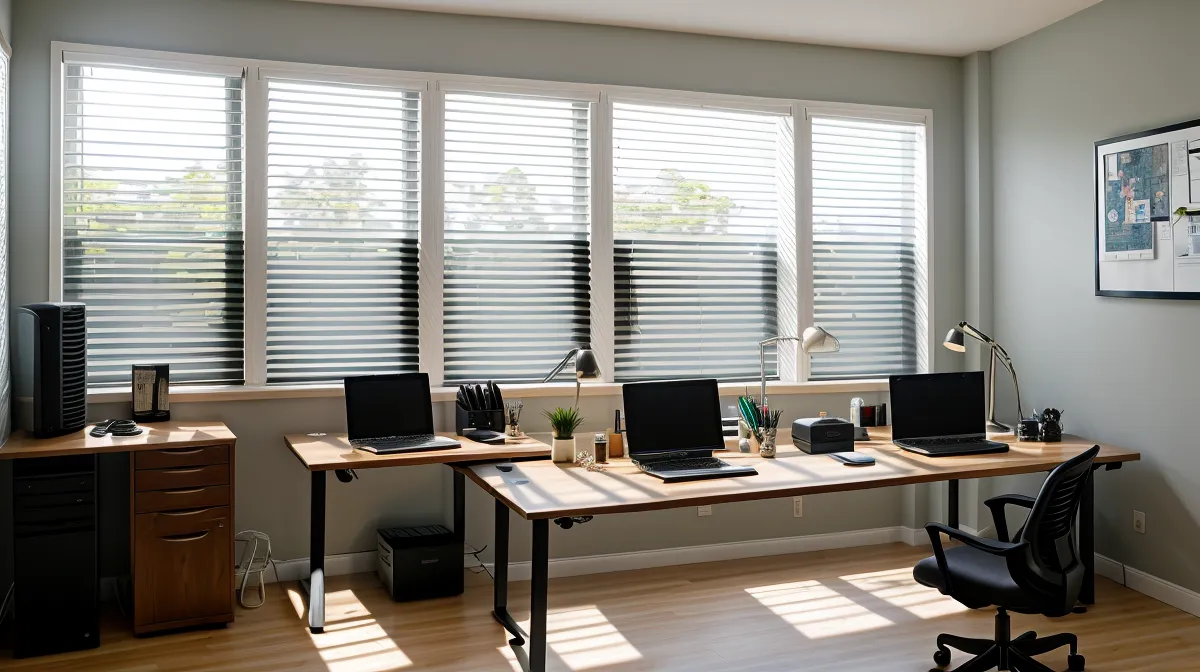
Early spring, I finally treated my desk setup like a buggy deployment instead of something to just live with. I killed the monitors, sat in the dark, and looked for light leaks the way you'd trace a memory leak, starting from where the symptom showed up and working backward. My workspace is a converted second bedroom in a rented craftsman bungalow in East Austin, desk wrapped in a U from one wall to the other, three monitors fanned out in a shallow arc so I'm never more than an arm's reach from any of them. The window behind my left shoulder faces east, and no matter how far I rolled the shade down, the room stayed half-bright most mornings, which turned out to be bouncing a surprising amount of glare off my glossier side monitor, forcing my pupils to constantly readjust between a dark IDE and a bright reflection of the sky.
My friend Griffin, a backend developer who always seems to own the next piece of ergonomic hardware before anyone else has heard of it, had mentioned a monitor arm to me months earlier. I nodded along and forgot about it, the way you do with a tip you're not ready to act on yet. My own 14-month Austin experiment with eye supplements was only ever solving half the equation, since no amount of tracking dosages fixes a monitor that's fighting you. The deeper question of where a desk's actual ergonomic baseline should sit — monitor distance, window placement, all of it before a single supplement enters the picture — is really its own project, and not one I'm trying to fully answer here.
The $142 Bill of Materials
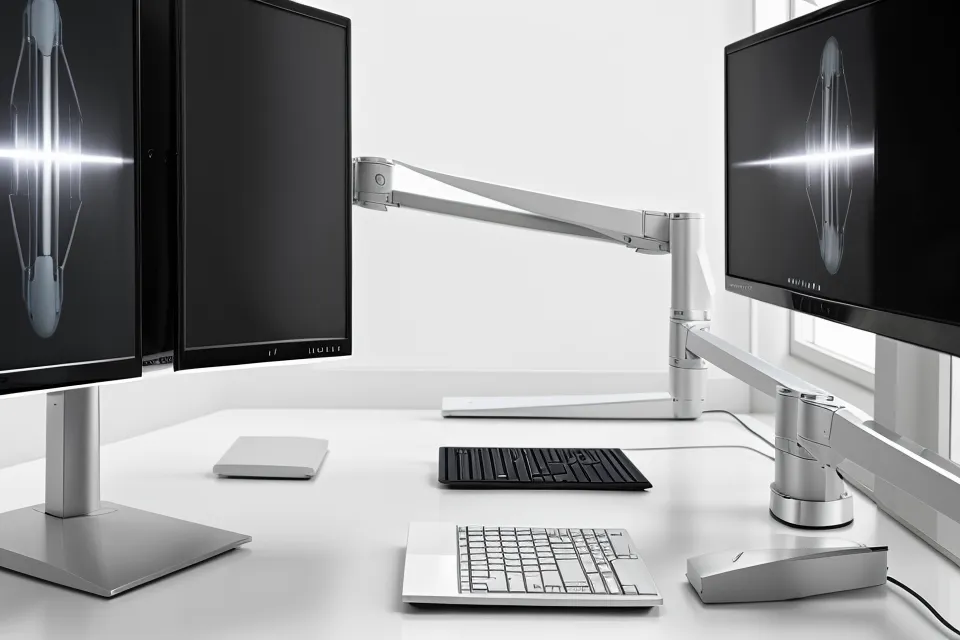
I set a hard budget before buying anything: no thousand-dollar ergonomic chair, no specialty "medical" monitor, just the minimum needed to stop fighting the room. The bias lighting came first, a simple LED strip stuck to the back of the center monitor that ran about twenty dollars and threw a neutral white glow onto the wall behind the screens, enough to kill the "deer in headlights" effect you get when the monitors are the only light source in an otherwise dark room. Next was the monitor arm, the biggest line item at roughly eighty-two dollars, which finally got all three screens level at eye height instead of forcing me to tilt my head and refocus every time I moved from terminal to browser, about two feet from my face. Last was a matte anti-glare filter for around forty dollars, fitted to the side monitor that kept catching the window's reflection; it wasn't a perfect fix, but it diffused the glare enough that my brain stopped trying to focus on the backyard instead of my code. Add it up and you land on the number in the title: $142, give or take a few cents in shipping.
Refactoring the Workflow
Hardware wasn't the whole fix; the settings needed adjusting too. I'd been running all three monitors close to full brightness, which in a dim room is basically staring into three small flashlights for ten hours straight. Dropping them to around 35 percent and nudging the contrast up did more than I expected, and I paired it with a warmth filter that kicks in automatically in the mid-afternoon, right before my usual headache window used to start. I debated that change for a while — wearing amber-tinted glasses all day never felt sustainable, but a filter running quietly at the OS level did.
I didn't change everything at once, because I wanted the spreadsheet to actually tell me something. Bias lighting went in first, then a week of just watching the numbers, then the monitor arm. Somewhere around the fourth week I noticed it without looking for it: scrolling through a git diff, then glancing away toward the hallway, and there was no lingering bright smear trailing behind my eyes the way there used to be after a long stretch of code review. It's a small, easy-to-miss signal, but it's the kind of thing a fatigue score can't fake.
Twenty-Four Weeks Later, the Numbers Held
From the start of the year through late May, I kept logging every day, same as always. My average fatigue score dropped from an 8 down to a 4 by mid-April and stayed there, which matters more than the initial drop. Plenty of fixes look good for two weeks and then fade. The bigger surprise was recovery time: a twelve-hour crunch day pushing toward a Friday deploy used to wreck my eyes for the entire weekend, and now I'm usually back to normal by the next morning, without stacking on extra supplements to compensate.
My monthly supplement spend actually went down after all this, mostly because I stopped buying whatever high-dose "emergency" formula promised to undo a bad week. A friend from a co-working space near my apartment, Joaquin, a graphic designer who logs color-critical work for nine-plus hours some days, started noticing the same 3 PM crash around the time I mentioned my tracking sheet. He'd order whatever supplement I brought up before I'd even reported back on whether it worked, which drove me a little crazy but also made for a decent secondary data point. Somewhere in comparing notes with him I landed on the idea that dry eye and eye fatigue aren't the same complaint, even though they feel almost identical by the afternoon, and no ingredient list or absorption claim on a bottle tells you which one you're actually dealing with.
These days I actually make it out for a lap around the Mueller Lake Park running loop most evenings instead of collapsing in front of the TV with my eyes throbbing, which sounds like a small thing until you remember I used to structure my whole evening around recovering from the day.
What I'd Tell Any Developer Chasing the Same Fix
That doesn't mean supplements are useless. My ingredient tracking still tells me things worth knowing, and I'm not abandoning the sheet. But if you're staring at a screen that's reflecting a window while your neck is cranked sideways to see a monitor that sits lower than the other two, you're patching symptoms on top of a broken environment, and no capsule fixes that (not medical advice, just spreadsheet math). Start with the cheapest hotfix, which for me was the bias lighting, it's the highest-ROI twenty dollars I've spent in years of freelancing, and it makes the difference between the monitors stabbing into a dark room and just sitting there, lit like they belong.
The lesson that actually stuck, the one I'd hand to any other developer burning through eye-health forums at midnight: fix the environment before you touch the input. A desk that fights your eyes all day will out-cost any supplement stack you throw at it, and the cheapest line item in my $142 breakdown did more than the most expensive month of capsules ever did. I still log my score every morning, mostly out of habit at this point, and I'd still rather look a little ridiculous with an LED strip glowing behind three monitors than spend another year treating my desk as a fixed variable. If your headaches sound like mine, get the room checked out before you get another bottle, and if something feels off beyond ordinary strain, an actual optometrist beats any spreadsheet I've built.